Documentation
Getting Started
To create an account, just sign in or use the Try For Free button on the home page.
You will be taken to a page that asks you to sign in using Microsoft Work account.
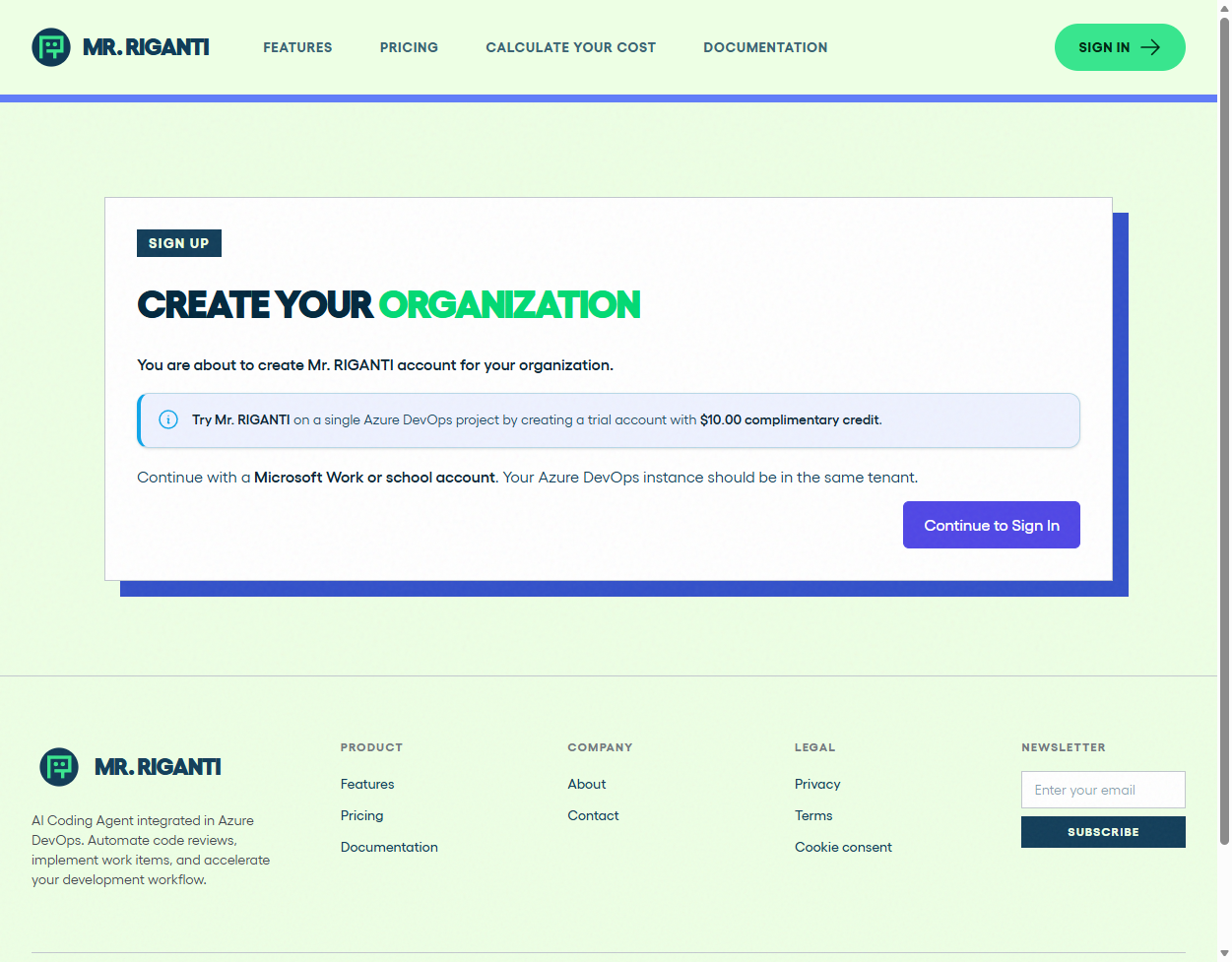
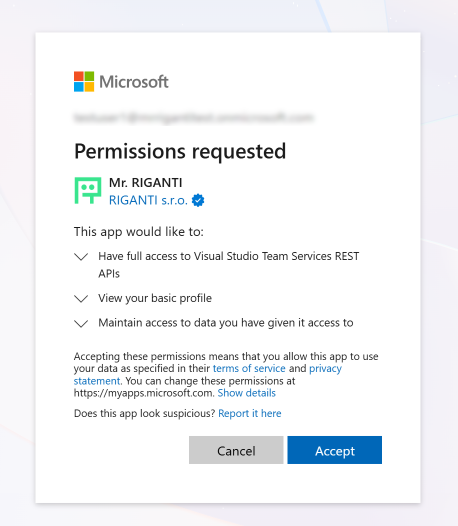
When first signing into Mr. RIGANTI, you will need to grant consent to Mr. RIGANTI application.
The next step will ask you to enter your organization name and contact e-mail address. After you complete the form, your account will be created and you will be able to connect your Azure DevOps service.
At the beginning, you will be able to use complimentary $10 of credit. After you consume it, you will need to purchase a plan.