Documentation
Onboarding Mr. RIGANTI in projects
To start using Mr. RIGANTI in a particular project, you need to onboard him. This will:
- Set up webhooks to let Mr. RIGANTI know when some event happens in the project (for example, when issues or pull requests are assigned to him, or when somebody mentions him in a comment).
- Set up a build pipeline that will let Mr. RIGANTI work in the context of the Git repository - for example, make a code review, or implement a feature.
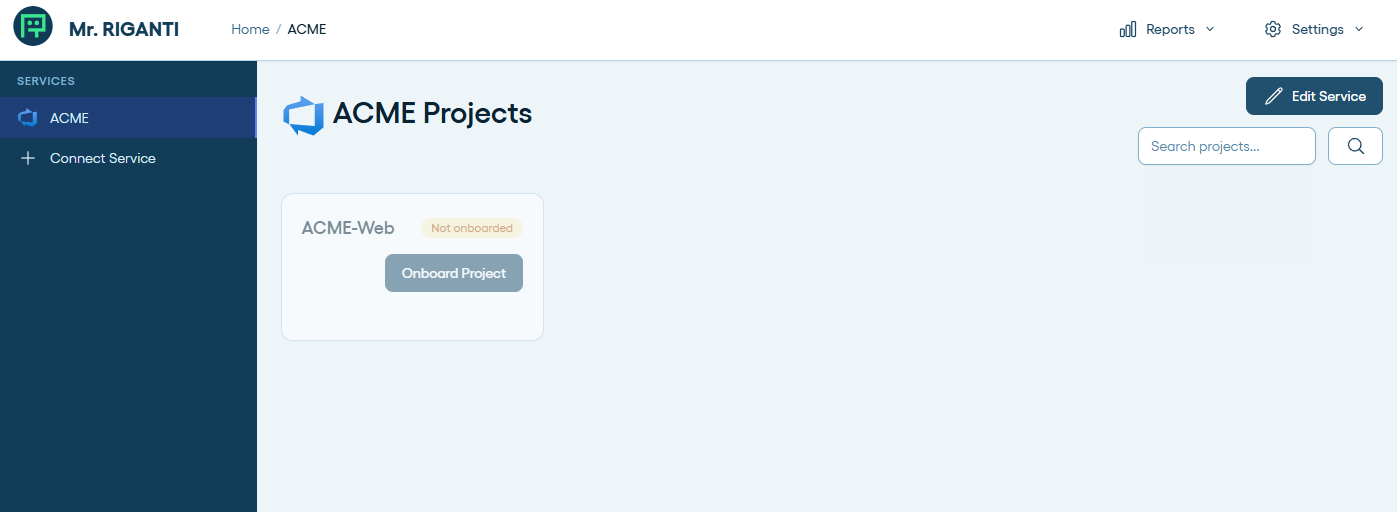
The main dashboard shows a list of projects accessible in the connected Azure DevOps instance under your user account. Select a project for onboarding by clicking at the Onboard Project button.
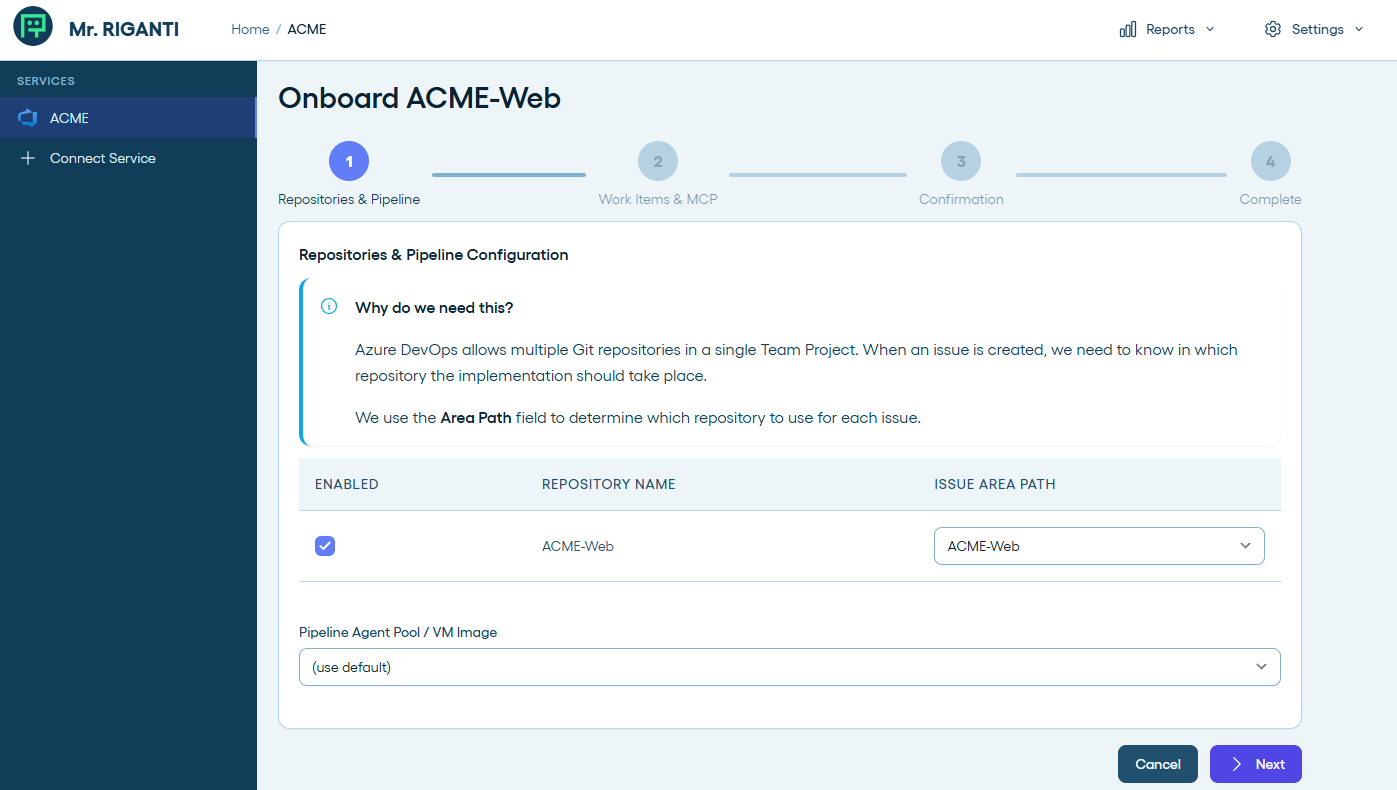
Azure DevOps supports multiple Git repositories in a single project. You can choose which repositories you want to onboard Mr. RIGANTI in, and also map the work item areas to repositories (this will help Mr. RIGANTI to decide in which repository he should do his work).
You may also choose to use a different agent pool than the one configured on the service level.
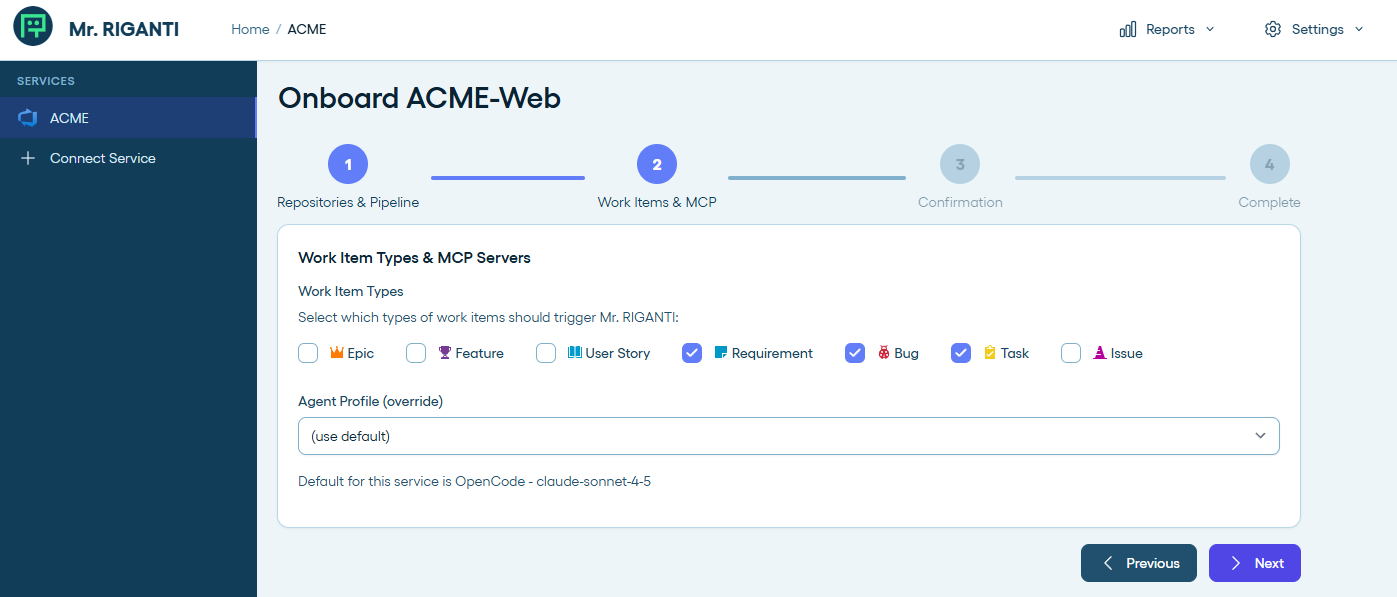
In the next step, you can select to which work items types Mr. RIGANTI should respond to.
We recommend to keep the default settings. Technically, you can assign the whole Epic to Mr. RIGANTI, but the chances are that he will get overwhelmed with the amount of work and will not be able to process it effectively.
You can also select a different coding agent profile and model for this project. This will allow you to use different settings for Mr. RIGANTI in different projects - for example, you can have a more "aggressive" coding agent in one project, and a more "conservative" one in another project.
The next step just informs you what happens next.
You should have Project Administrator role, or sufficient permissions to configure Service Hooks and create build pipelines in the project to be able to onboard Mr. RIGANTI.
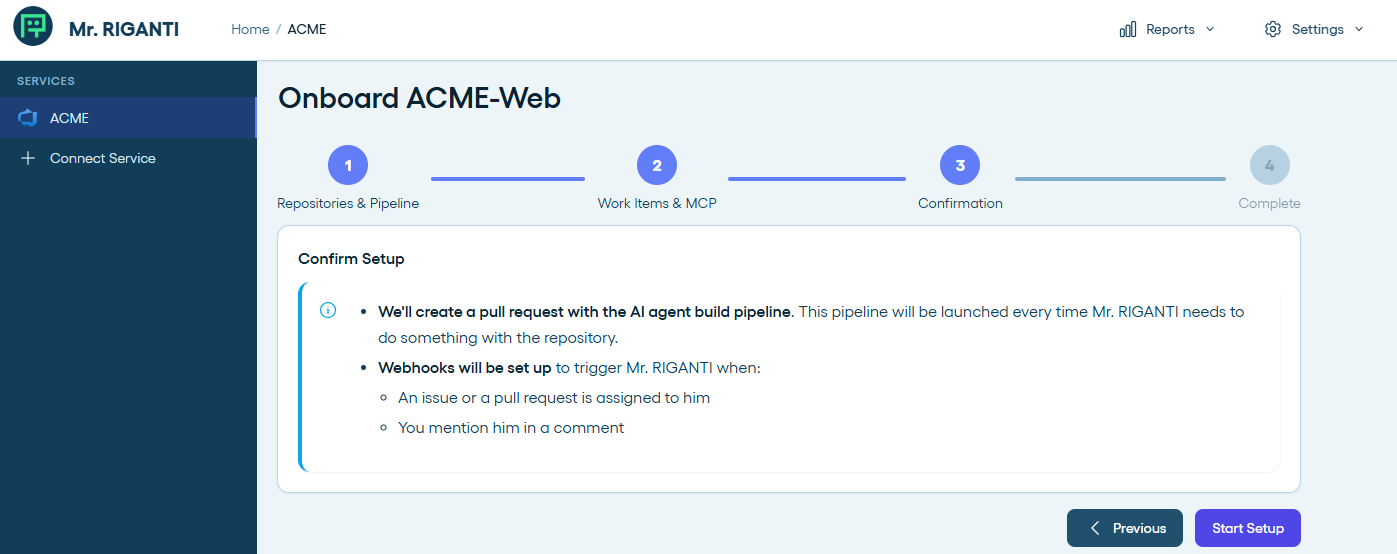
After proceeding, the service will:
- Set up webhooks for the following actions:
workitem.created,workitem.updated,build.complete,git.pullrequest.created,git.pullrequest.updated, andms.vss-code.git-pullrequest-comment-event - Create a branch
mr-riganti/setupin each of the selected Git repositories which adds.mr-riganti/pipeline.ymlpipeline file. - Open a pull request with the branch created in the previous step, so that you can review the pipeline configuration and merge it to the main branch.
- Create a build pipeline based on the
.mr-riganti/pipeline.ymlfile in each of the selected repositories.
If the process ends with an error, you can check the error message and try to run the setup again. It will skip the steps that were completed successfully and try to execute the steps that failed again.
After the successful setup, you will need to review and approve Mr. RIGANTI pull request in each of the configured repositories.
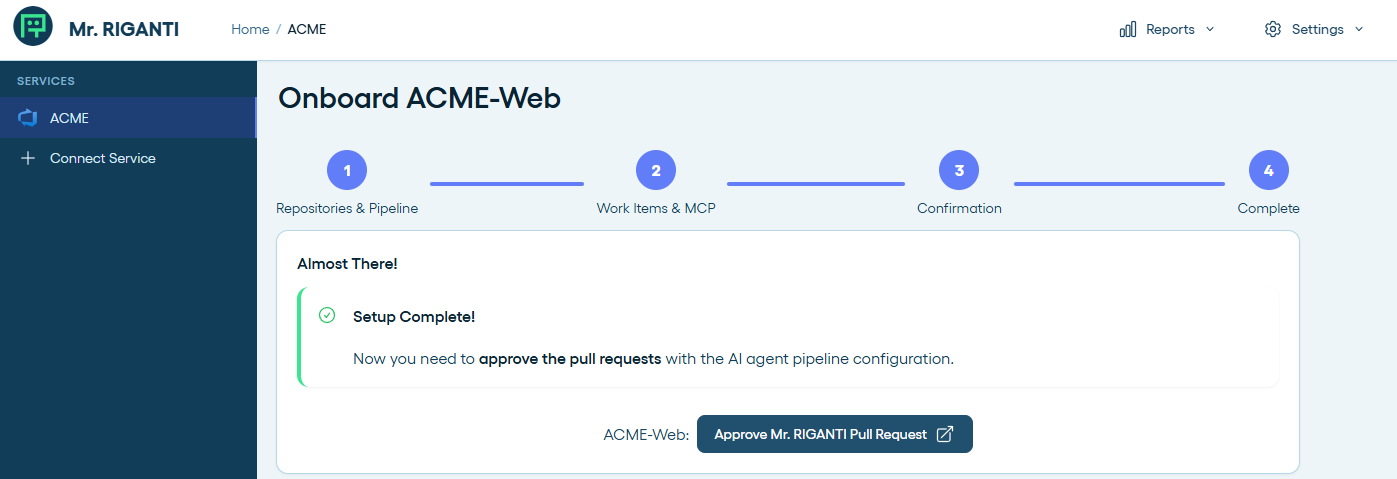
Make sure the pull request is merged before start interacting with Mr. RIGANTI. If you trigger him in pull requests that were created earlier, you will receive an error because the Mr. RIGANTI's pipeline would not be accessible.