Documentation
Mr. RIGANTI App Features
You can find additional features in the Mr. RIGANTI. Just sign in and open the project you want to interact with.
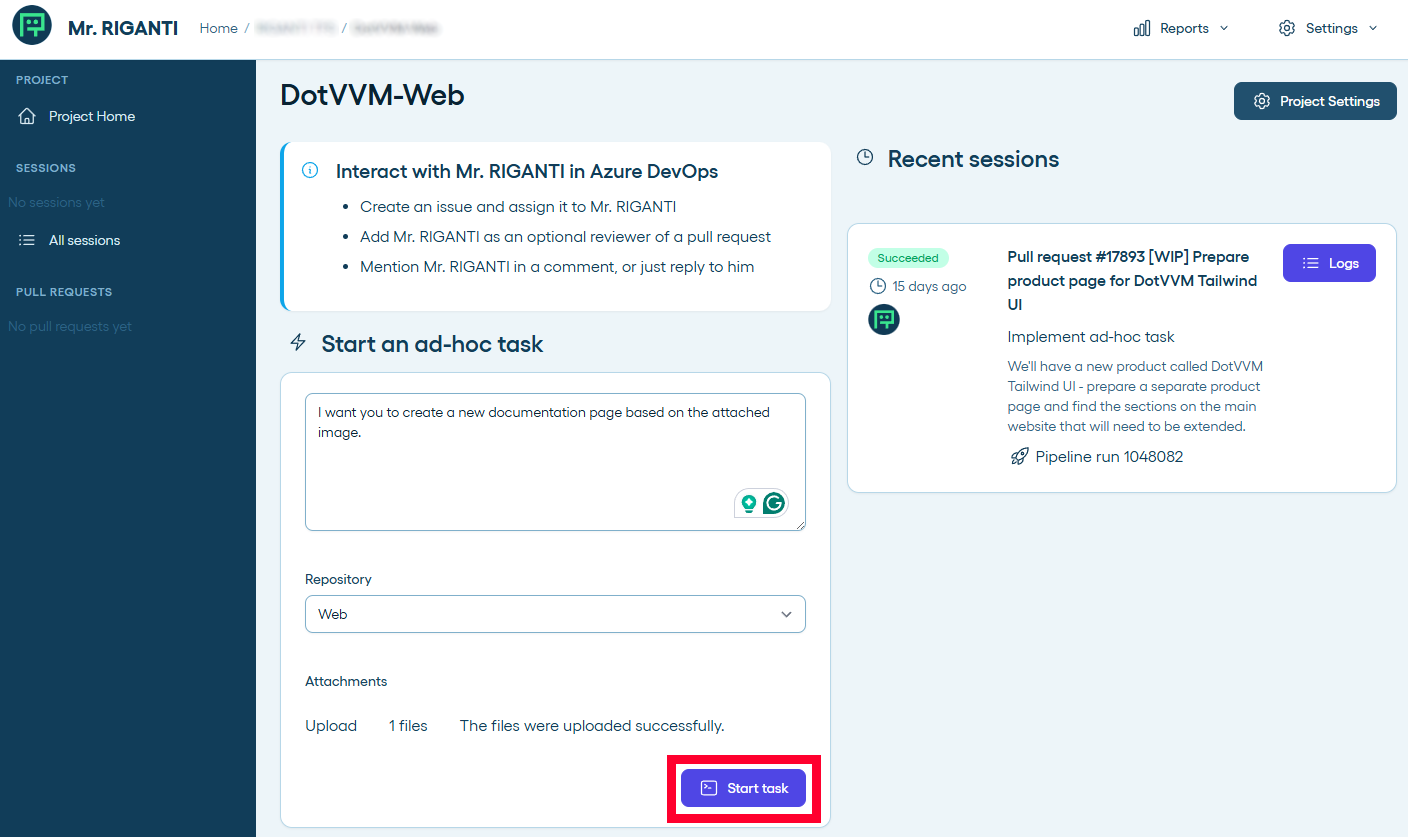
For example, you can give ad-hoc commands to Mr. RIGANTI without interacting through Azure DevOps. Just open the project dashboard, type your command, and let him do the work. You can event attach files.
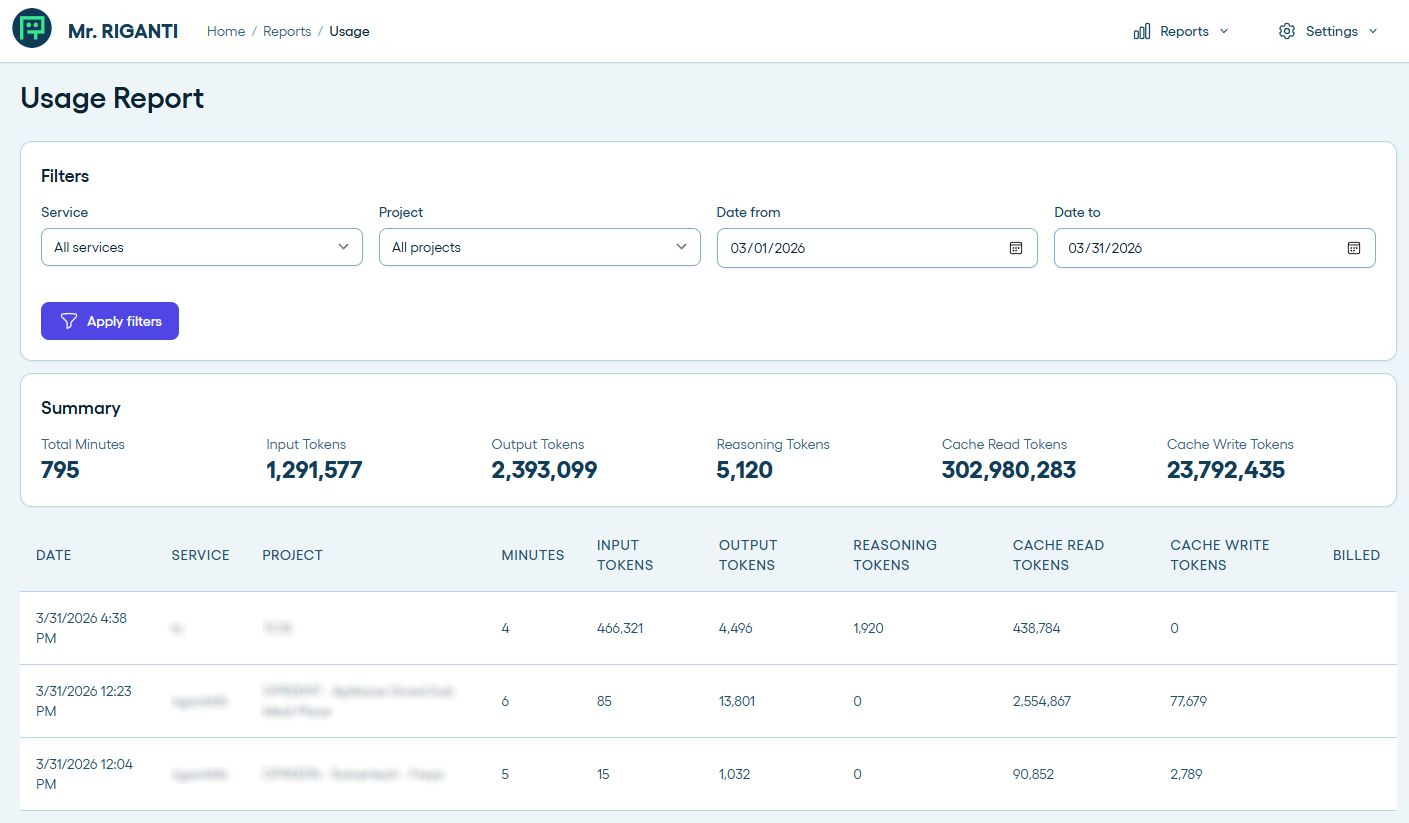
The web dashboard also allows you to track token usage for each runs, or look at details of every Mr. RIGANTI's session.